
 1 · PROBLEMProblem
Identify the decision
GetInstantResolve guide
Start with the decision notice, reasons, reference number and date received. Record the review or appeal route stated by the authority, preserve what was originally submitted and keep any new evidence separate. Deadlines and grounds vary by jurisdiction, so check current official instructions before acting.
General information only — not legal advice · Reviewed 4 October 2026
Keep the dispute moving one visible step at a time instead of jumping between messages, promises and escalation ideas.
1 · PROBLEMProblemIdentify the decision
 2 · ACTIONAction
Identify the review route
 3 · RESPONSEResponse
Separate old and new material
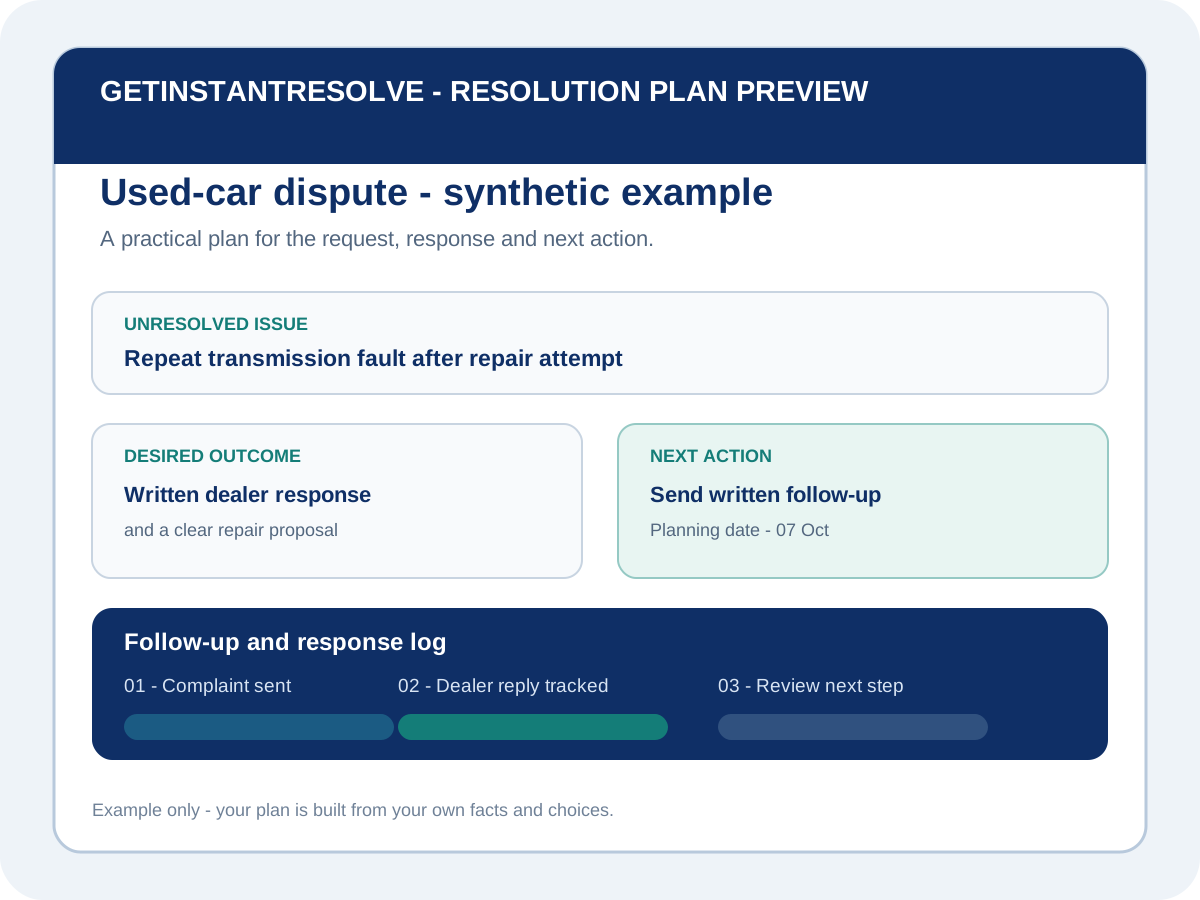 4 · REVIEWNext decision
Track the procedural date
Record the authority, decision, reference, reasons and the date the notice was made and received.
Check whether the notice points to internal review, tribunal, ombudsman, court or another process.
Keep the original application record separate from evidence or circumstances that arose later.
Record the official response or filing date exactly as shown and verify current requirements promptly.
GetInstantResolve does not identify appeal grounds, calculate deadlines, determine jurisdiction or file review proceedings.
Continue the journey
Common questions