
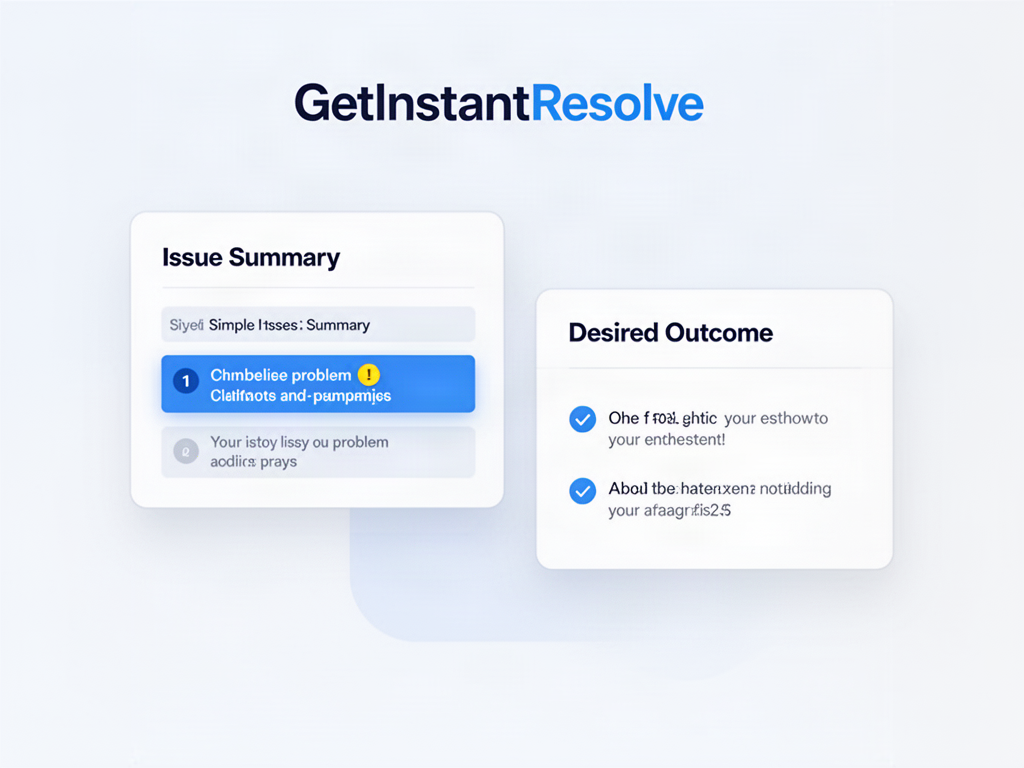
 1 · DEFINEState the issue and wanted outcome
GetInstantResolve
How GetInstantResolve works
Start with the unresolved issue, choose the practical outcome you want, prepare the next action, then track what happens before deciding whether escalation is necessary.
Build my resolution planHOW IT WORKS VISUALLY
1. Define → 2. Act → 3. Track → 4. Review.
1 · DEFINEState the issue and wanted outcome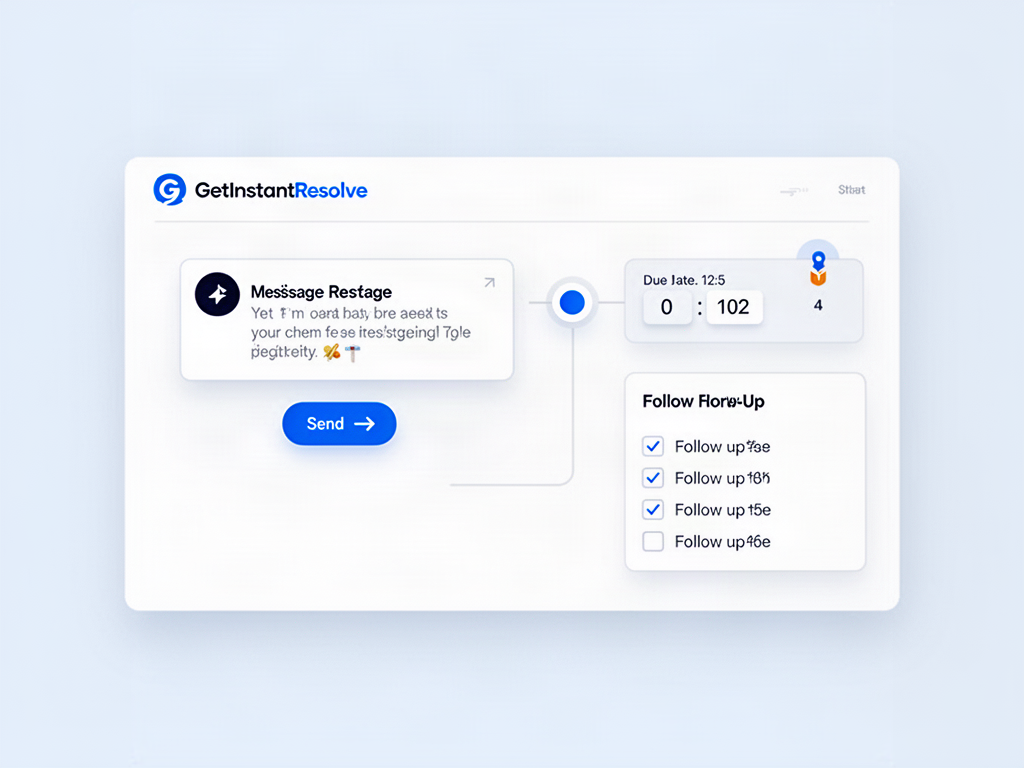 2 · ACTPrepare the next communication or action
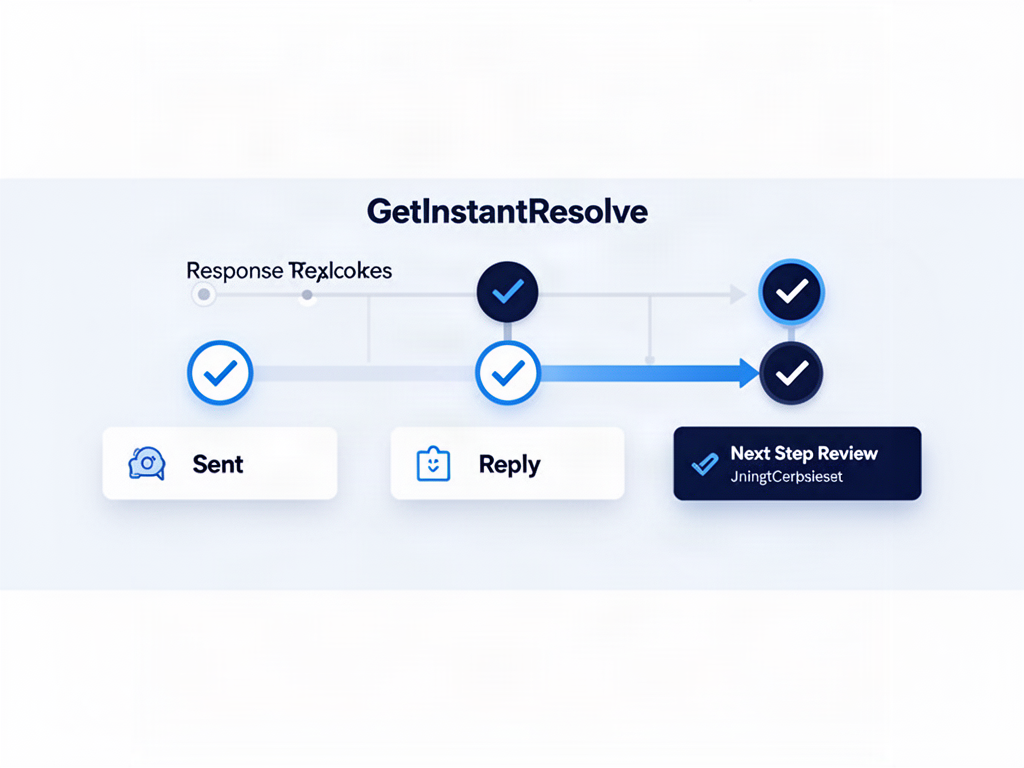 3 · TRACKRecord the reply, promise or missed date
 4 · REVIEWDecide the next step deliberately
What GetInstantResolve produces
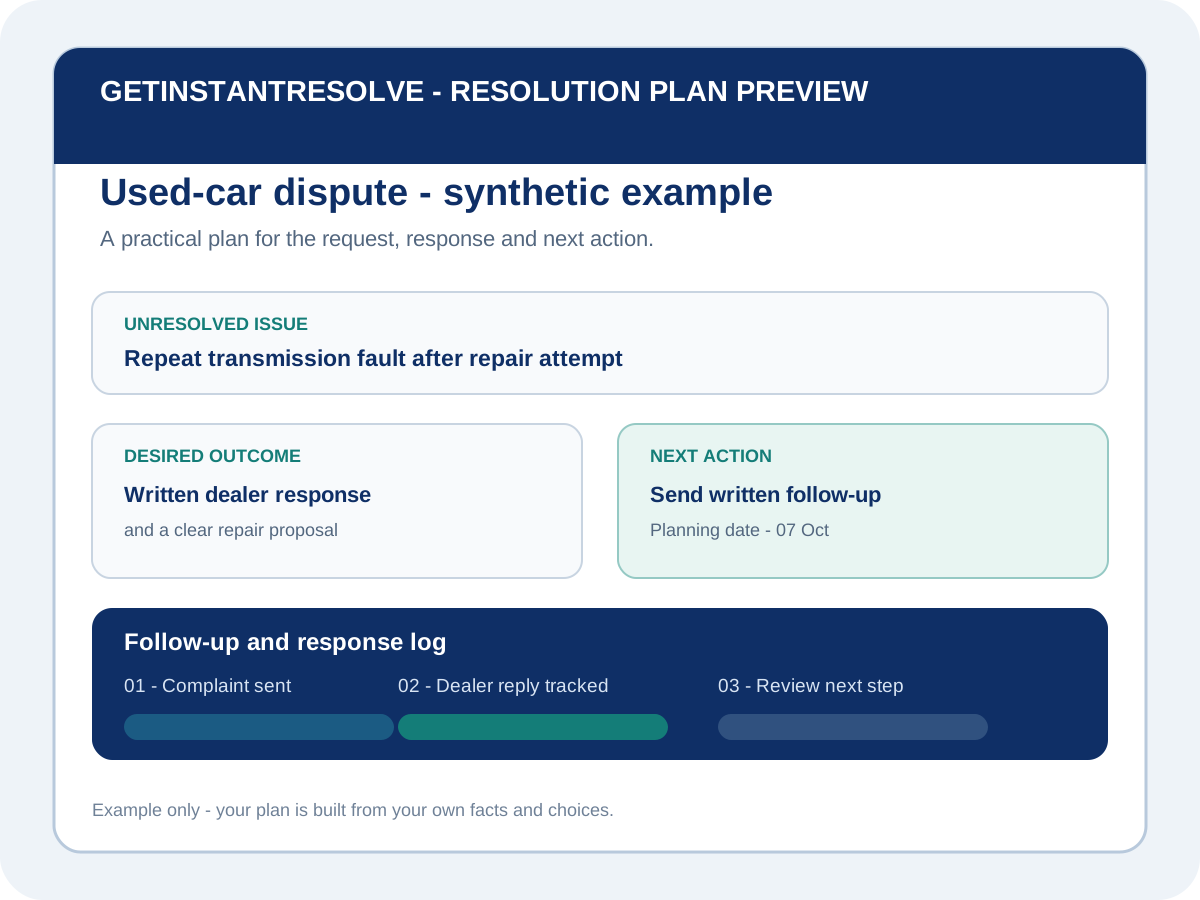
The output is a practical resolution plan: the issue and desired outcome stated clearly, the next communication or action prepared, important response or review dates kept visible, and a record of what the other side does next.
1. Choose the dispute type
The workflow begins with the actual problem so the actions and records stay relevant.
2. Select country and state or region
Jurisdiction is checked before legal or procedural guidance is shown.
3. Define the issue and outcome
Separate the dispute from background noise and state the practical result you are seeking.
4. Prepare and track the next action
- Draft the next communication
- Set a review date
- Record replies and promises
- Track offers, payments and completed actions
5. Complete or review escalation
Do not escalate automatically. Review urgency, evidence, cost, response and the correct local pathway first.
What Resolve does not do
GetInstantResolve does not act as a lawyer, mediator, tribunal or court. It does not make binding decisions, guarantee settlement or replace personalised professional advice where that is needed.
When to review the plan
Review the plan when a reply arrives, a promised action is completed or missed, new evidence appears, or an important local deadline approaches. The next step should follow what actually happened, not a fixed escalation script.
GetInstantResolve provides practical information and organisation tools. It does not provide legal advice, make binding decisions or guarantee resolution.